-
May 22, 2026
- Share:
-

-

-

-

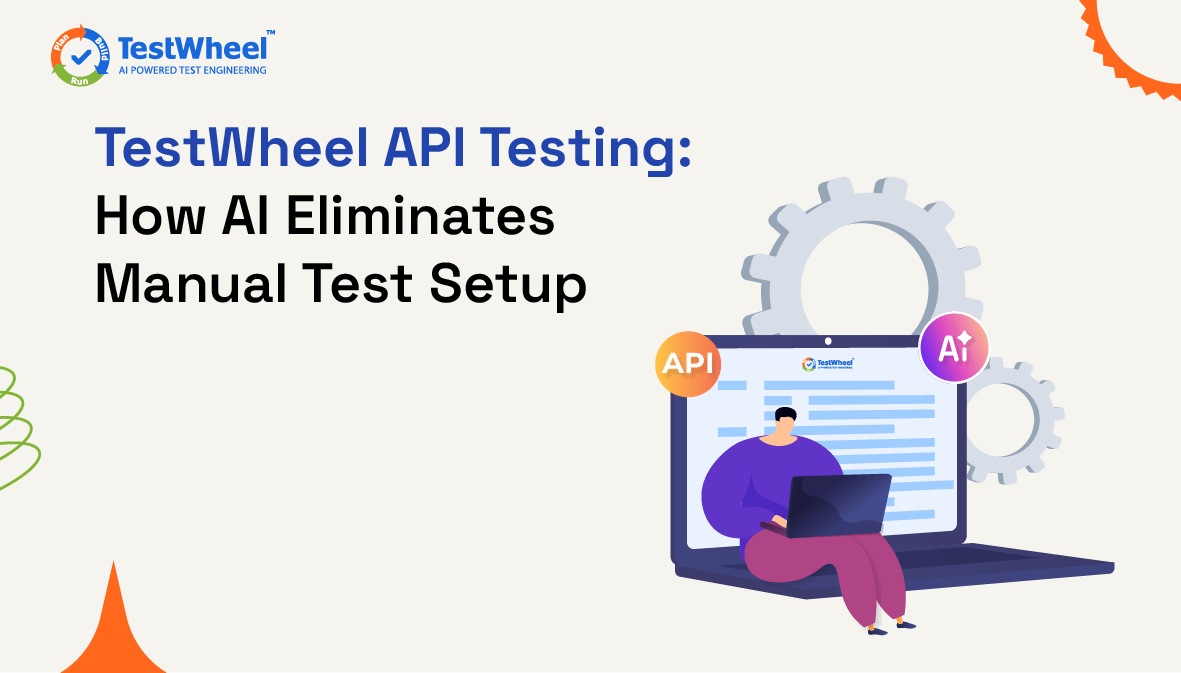
API testing setup has always cost more time than it should.
Import your OpenAPI spec, and you get the structure: endpoints, parameters, and schemas. But the spec won’t tell you what values to test. You have to manage that manually for every endpoint in question.
TestWheel’s updated AI API testing module removes that bottleneck. The new AI-powered features handle test data generation automatically, surface background API calls you need to know about, and offer a chatbot that does in one step what your team did in dozens.
Here’s what changed.
Before the Update: The Gap in the Spec
TestWheel’s original API testing module gave you three ways in: Swagger/OpenAPI import, manual API setup, and JWT-authenticated API setup.
The OpenAPI import was the one worth talking about. You simply point the platform at your spec URL, and it pulls every documented endpoint automatically. No manual entry required.
But OpenAPI specs only give you structure: endpoints, parameters, and response schemas. They don’t give you test values. A spec tells you an endpoint accepts a `status` parameter. You have to specify the values you want to test it with.
So testers imported the structure, then opened each endpoint, filled in the values, saved, and moved to the next. For an application with dozens of endpoints, that means hours of setup before running the first test.
What’s New: AI-Powered API Testing
The updated module puts AI exactly where the old one stalled: filling in the values.
AI-Generated Test Data from OpenAPI
Import your API collection via OpenAPI/Swagger URL, select the endpoints you want to test, and hit Generate AI Test Data.
TestWheel’s AI engine reads the spec and produces three scenarios per endpoint: a positive test case, a negative test case, and a false positive.
That’s it. No digging through documentation to figure out what values make sense. No filling in fields.
Instead of building the test data, the tester is now just reviewing it. Check what the AI engine generated, adjust anything that looks off, and run.
For a 50-endpoint collection, the difference in setup time is non-trivial.
The Chatbot Path
If that feels like too many steps, there’s a shorter route. Enter your OpenAPI URL, and the chatbot fetches every endpoint, generates all three test case types across the full API surface, and hands it back.
No module navigation or manual selections.
What Runs Behind the Screen
Most functional tests stop at the surface.
But every page load, form submission, and UI interaction triggers background API calls for authentication checks, data fetches, and state updates. These run beneath the surface, and conventional tools often miss them.
When enabled during a functional test run, the platform intercepts every background API call in real time. Once the test completes, those calls show up in the API testing module with actual endpoints and real payloads, ready for test data creation.
The tool will pull up APIs your team never documented, never configured, and possibly never knew existed. This instantly adds to test coverage.
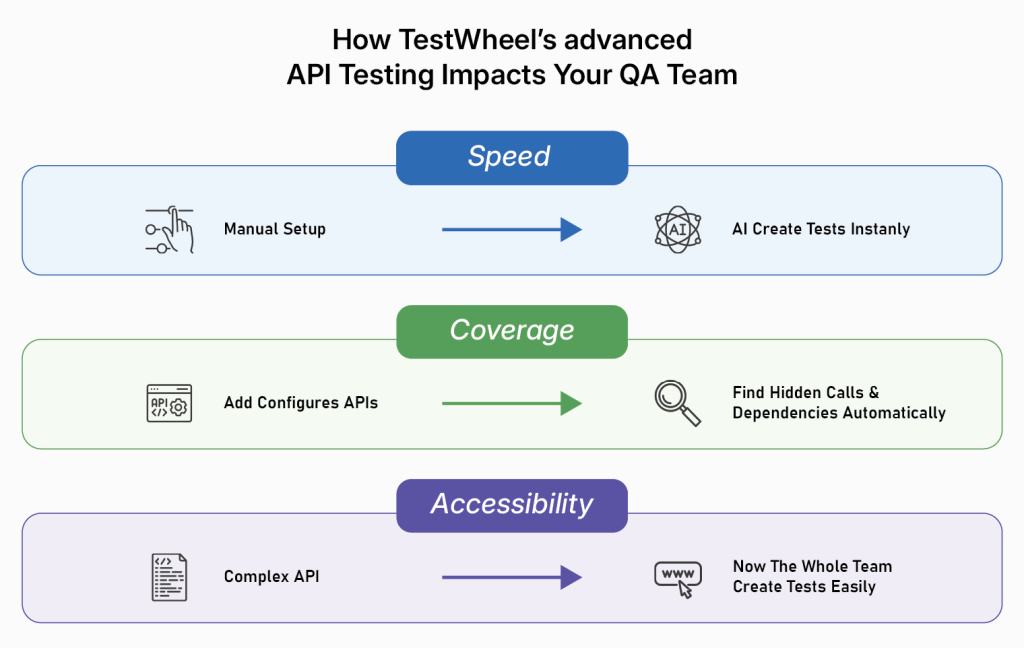
How TestWheel’s advanced API Testing Impacts Your QA Team
Your QA team will feel the greatest benefit in these three areas:
Speed
Test preparation that previously took hours will now take minutes. Previously, a tester importing a 50-endpoint API collection would spend a lot of time setting them up. They would have to open each endpoint, reason through valid and invalid values, enter them manually, and repeat.
AI-generated test data gets rid of this cycle. The chatbot goes further, encapsulating the entire workflow into a single input.
Teams ship test suites faster, and the time saved goes back into actual testing.
Coverage
Most test suites only cover what someone thought to configure.
Only documented, explicitly configured APIs get tested. But modern web applications make dozens of background calls that never show up in a spec. These include internal service calls, third-party authentication handshakes, and data-fetching requests firing during UI interactions.
Generally, these are the dependencies most likely to fail in production. TestWheel automatically makes them visible during functional test runs, pulls them into the API testing module, and generates test data for them.
The APIs that you didn’t even know existed are now visible and tested.
Accessibility
Not everyone on a QA team has spent time constructing API payloads. Testers have to understand HTTP methods, authentication flows, request headers, and how to construct payloads that meaningfully stress an endpoint.
This is a rare set of skills, and only a few senior engineers have been able to design AI tests so far.
But TestWheel generates the required data and designs tests automatically. A QA analyst without deep API knowledge can now create a complete, multi-scenario test suite from an OpenAPI URL.
That means more people on the team can own API testing, senior engineers spend less time babysitting coverage, and the results are more consistent because the process doesn’t depend on who’s available.
If You’re Coming From Postman
Postman does one thing well. You have an endpoint, you want to know what it returns, you fire a request, and see what comes back. If that’s your use case, it holds up well.
TestWheel is solving a different problem. The API testing module is built for structured, repeatable, multi-scenario runs across an entire collection. Group multiple APIs, run them together, and get a report showing expected versus actual responses for each one.
The bigger differentiator is JWT authentication. Most protected APIs require a token before anything else will respond. You call the auth endpoint first, get the token, then pass it through to every subsequent call.
In Postman, that usually means pre-request scripts or manual setup. TestWheel handles the whole flow natively. Give it the auth endpoint details once, and it threads the token through automatically.
Availability
The AI test data generation features, i.e., OpenAPI-based generation and chatbot-driven workflows, are available to Enterprise and professional tier users. The background API capture feature is accessible to all users.
Faster Coverage, Less Overhead in API Testing
Most API testing bottlenecks are actually setup problems. It boils down to empty value fields, undocumented endpoints, and authentication flows that have to be manually handled before tests can run.
TestWheel’s updated module targets these specific bottlenecks. AI-powered test data fills the values left empty by OpenAPI specs. The chatbot removes the multi-step workflow for teams testing large API collections. Background API capture during functional testing tests the endpoints that never appeared in any spec.
What you get is a tighter loop between writing an API and verifying it behaves correctly under positive, negative, and false positive conditions. Less setup. More results