-
November 24, 2025
- Share:
-

-

-

-

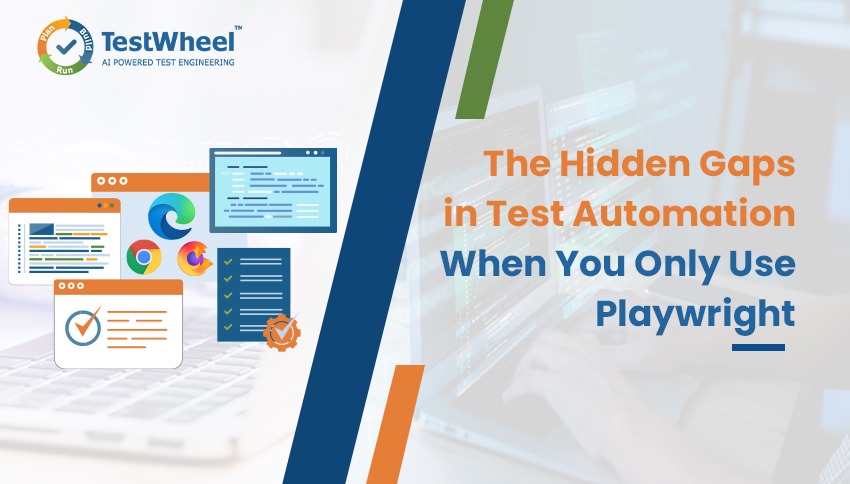
Playwright is an incredible tool. Fellow testers who have wrestled with flaky Selenium tests at 2 am know what I mean.
The dev community loves it, as do I. We have good reason. Playwright enables fairly efficient cross-browser testing. It’s auto-waiting lets us testers live without pushing sleep(5000) commands everywhere in scripts.
However, Playwright is a framework. It works best as a hammer, but it can’t build an entire house by itself. As your org grows, apps multiply, and release demands pile up, Playwright will start showing its cracks.
This article will walk through the cracks most testers will encounter when working with Playwright at enterprise scale. It will show you how an AI-powered tool like TestWheel can help stabilize testing and manage pipelines more effectively without banishing Playwright.
Limitations of Playwright Automation Testing
Inadequate Scalability for Enterprise-Level Tests
Playwright is excellent until you have to run thousands of tests. Then, you’re scrambling to write bash scripts for parallel runs, frantically looking for test data across different repos, and juggling Docker containers to sync your environments.
Yes, Playwright automation testing can run parallel tests, but it cannot maintain them at an enterprise scale. And since automation maintenance can eat up quite a bit of your QA budget, teams will find their schedules choked with rework as opposed to creating new tests.
Not Much Coverage Beyond Functional Testing
Playwright is absolutely unbeaten when it comes to functional, browser-based testing. It doesn’t do as well with visual regression tests, accessibility tests, API, and performance tests.
You can use Playwright to run these tests to some extent, but you’ll have to bolt on tools like Axe, Lighthouse, or custom Node scripts to get full coverage.
TestWheel, however, combines tests for UI, APIs, performance, and security in a unified dashboard. It serves as a test ecosystem rather than a test framework (like Playwright).
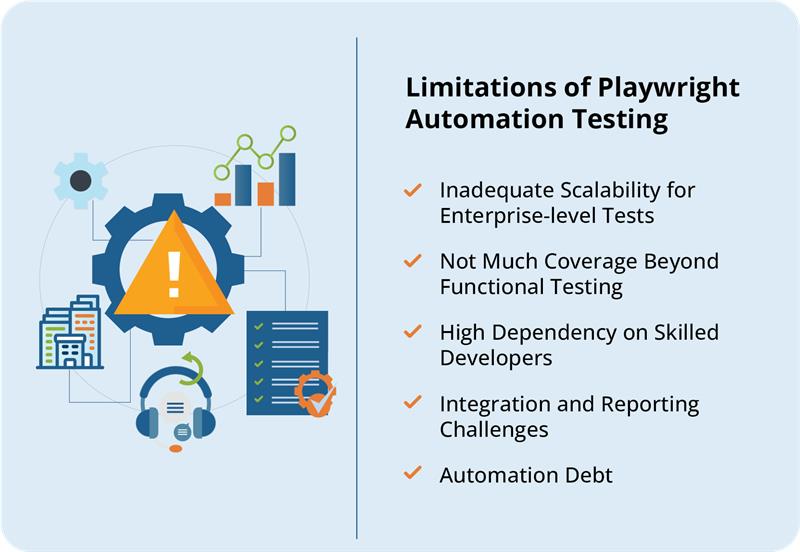
High Dependency on Skilled Developers
Playwright automation testing is the opposite of beginner-friendly.
You need to be familiar, at least, with async/await in JavaScript or Python co-routines. If not, writing Playwright tests will feel like a coding boot camp assignment. Unless your team is full of SDETs, this will be QA hell.
Cross-functional teams comprising analysts, manual testers, and release managers cannot work with this barrier. When using Playwright, people who know the product inside out cannot run tests unless they know TypeScript syntax.
Agentic AI-powered no-code tools (like TestWheel) can solve this by enabling test creation in plain English. Testers can simply write:
“Verify that logged-in users can add items to the cart and checkout successfully.”
…and getting a working automated test — in Python, Java, or TypeScript — instantly.
Integration and Reporting Challenges
Playwright’s reporting is not ideal if you’re managing multiple projects. You get results for each project instead of unified analytics. It also gives your JSON outputs instead of the dashboards management wants to see. Now, you have to parse logs and create non-technical reports instead of analyzing failures.
Playwright does not offer the consolidated visibility that QA leaders need. It does not show flakiness rates, risk analysis, or trend dashboards.
On the other hand, TestWheel’s centralized dashboards combine results from UI, API, and performance tests across all environments. One source of truth.
Automation Debt
You start with clean scripts. Someone renames a button. Half your tests fail.
You fix them, re-deploy.
The next sprint breaks them again.
Welcome to automation debt. When tests require more maintenance than they’re worth, your suites have become a hulking liability. Since Playwright doesn’t have built-in self-healing, human testers have to handle flaky locators and dynamic IDs; an incredible time and effort sink.
Playwright AI Agents Aren’t There Yet
Playwright MCP (Model Context Protocol) and AI agents certainly have some impressive potential, but they still suffer from major inadequacies.
- Self-healing still handles only minor DOM tweaks, not major UI rewrites.
- Humans still need to check for false positives.
- Testers still need to orchestrate hundreds of “self-healing” tests.
- Agents generally work fine in one browser-resolution combination, but not another. Changes elsewhere will still need manual fixes. It’s hard to ensure test stability.
Playwright’s AI Test Generation Still Has Limitations
Anyone who’s actually run a production-grade Playwright suite knows that test generation is the easy part. Everything that comes afterwards, not so much.
The AI Can Write Tests, But Not Engineer Them
Playwright’s AI (through MCP or custom LLM integrations) is perfectly fine for producing initial scripts. But they run into a few gaps quickly:
- Hardcoded selectors that break when you rename a CSS class.
- No page objects, no shared utilities, no test data models.
- You get inline test data, not proper fixtures or parameter files.
- Too many flaky waits, no retry patterns, no conditional flows.
Playwright’s AI-Generated Tests Don’t Understand Each Environment
Every enterprise environment has moving parts: feature flags, multi-tenant data models, dynamic runtime configurations, blue–green deployments, mocks/stubs, test data dependencies.
But most AI-generated Playwright tests seem to assume you’re testing a static demo app from 2016. They don’t account for auth tokens, environments needing special cookies, or how your login service rate-limits you after three attempts.
Cross-Language Limitations
Playwright works across TypeScript, JavaScript, Python and .NET.
But Playwright’s AI typically creates tests in TypeScript.
If some of your back-end QA team work in Python or .NET, you have to maintain two automation ecosystems and incompatible test styles.
Minimal Parameterization
You get some reusability and practically zero governance. Playwright’s AI, however, does not come packaged with versioning, coverage tracking, impact analysis, smart grouping, dependency management, and other features integral to enterprise test automation.
In regular world parlance, it’s like assembling IKEA furniture without the little bag of screws.
How TestWheel Closes Gaps in Playwright Testing
Playwright is a great engine, but it becomes a problem when teams try to turn it into a full QA platform. This is where an AI-powered tool like TestWheel can do the heavy lifting around scale, maintenance, and visibility. You don’t even have to abandon your current test automation efforts.
AI Self-Healing for UI tests
This AI-powered, no-code platform can automate tests for web, APIs, mobile apps, and performance/load from a single place. It offers self-healing locators that automatically adapt when the UI changes, reducing the locator-maintenance grind.
Instead of chasing broken selectors, testers can focus on expanding coverage and refining scenarios, particularly across non-UI layers.
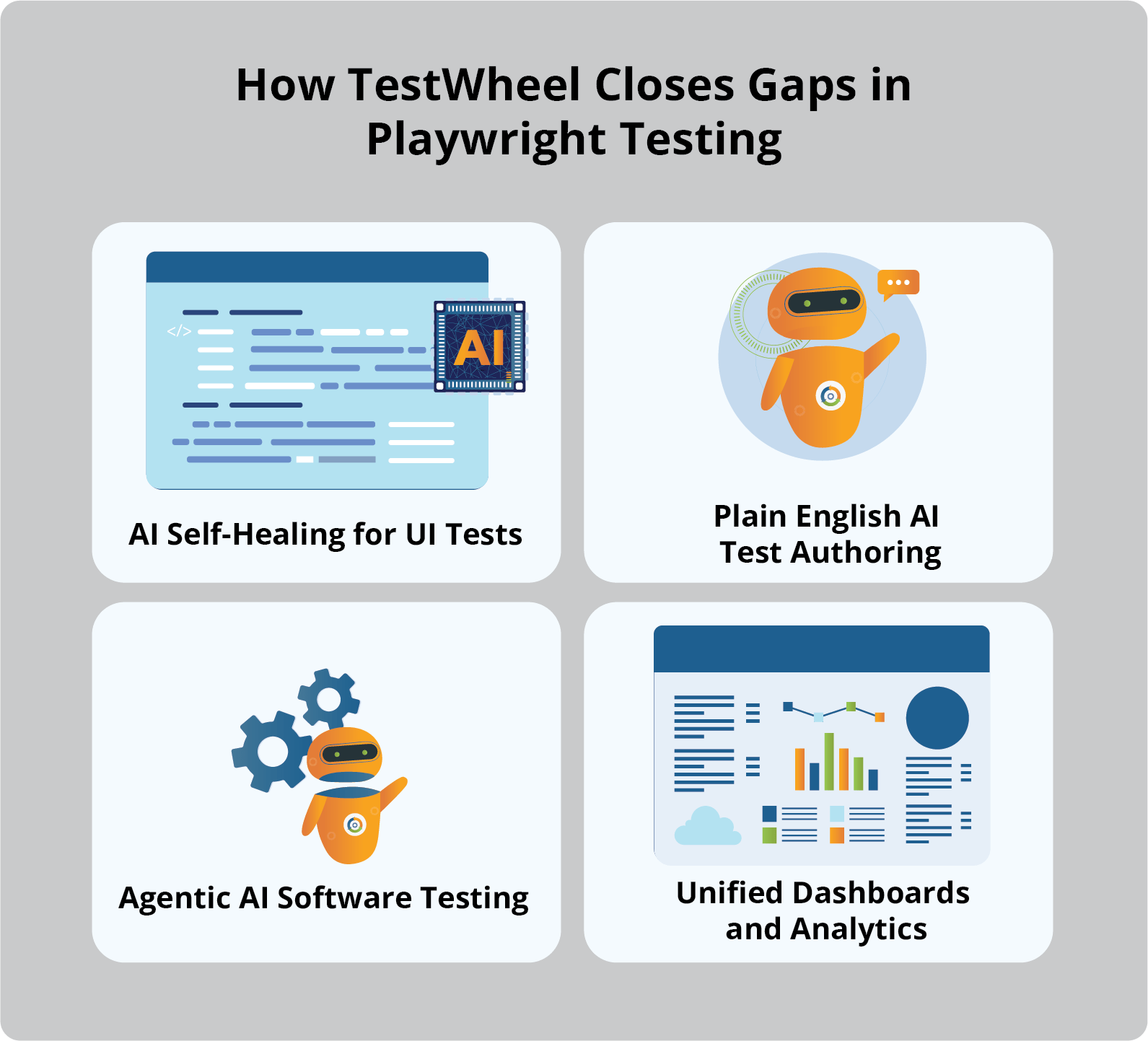
Plain English AI Test Authoring
You can write test cases in plain English, with natural language prompts and templates. The AI assistant turns them into runnable automated tests.
TestWheel AI can also generate WebDriver-style scripts in Java, Python, or JavaScript, including setup, actions, and assertions. Non-coders can describe behavior, and engineers still get proper code they can review, version, and extend. No need to maintain every new Playwright spec file.
Agentic AI Software Testing
TestWheel offers unified AI-enhanced runtime sequences with versioned runs and a policy engine dictating whether AI suggestions are auto-applied or held for human review. The platform keeps audit trails, automates routine fixes, and runs high-impact changes only after approval.
TestWheel’s AI participates across the ongoing lifecycle: stabilizing locators, learning from previous runs, and keeping large suites with minimal automation debt.
Unified Dashboards and Analytics
Playwright projects usually scatter results across repos and CI logs. TestWheel carries in-built QA dashboards, centralized test strategy management, real-time reporting/analytics, and robust CI/CD integration. The AI architecture also focuses on capturing traces, logs, screenshots, and timings. QAs can get a more complete picture of:
- how tests are automating across web, API, mobile, and performance.
- the app areas that are flaky vs genuinely risky.
- possible areas to dedicate new test efforts.
To summarize, testers no longer have to hand-roll dashboards on top of managing test results. TestWheel offers a single, AI-aware view of software quality status.
Everything Playwright Gives You + Way More + Codeless with TestWheel
Playwright automation testing is fast, modern, and perfectly fine when your test suites are not in the thousands. But as your app expands and test responsibilities shift, your team will notice the lack of orchestration, governance, and guardrails to keep large-scale test automation from breaking under its own bloat.
TestWheel, enhanced with Agentic AI, is designed to amplify the benefits of Playwright testing, not replace it. It layers open-source automation with intelligence, adaptability, and visibility needed by modern QA teams.
It makes automation accessible to people who understand the product deeply, even if they don’t understand TypeScript deeply. Tests evolve with your application instead of becoming obsolete anytime the UI team updates a component library.
If your Playwright setup is starting to feel like it’s suffocating under bash scripts, dashboards, and late-night locator fixes, TestWheel could be the way ahead.